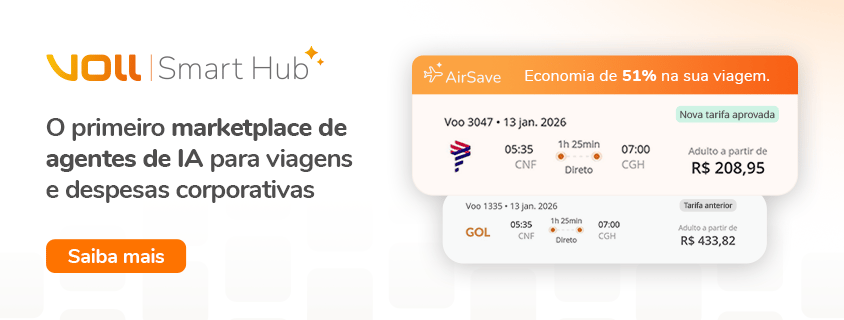
VOLL 11.5: visible hotel fees, check-in alerts, rental cost splitting, controlled Smart Mobility access and more.
VOLL 11.5 arrives with improvements covering the entire corporate travel journey. This version focuses on transparency, fewer operational surprises, and more tools for managers and administrators to control access, costs, and approvals.
Here is everything that changed.
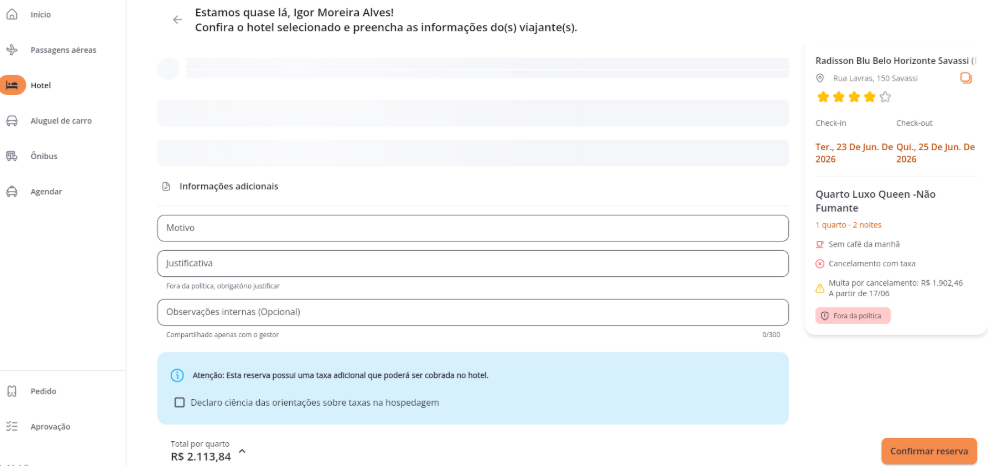
Extra hotel fees visible before check-in
Some accommodations charge local taxes, fees, or resort charges that don't appear in the price shown at booking. In version 11.5, the system now identifies and displays this information during the request, before any confirmation.
Travelers arrive at check-in without surprises, and companies have full visibility into the real cost of the stay from the start.
Check-in reminder by email
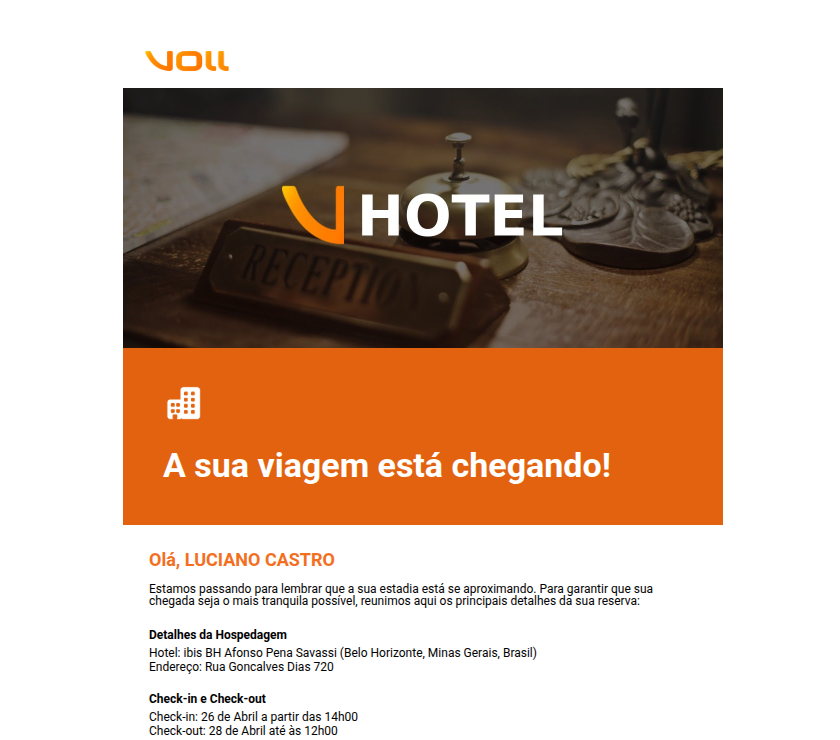
One day before check-in, the traveler and requester now automatically receive an email with the main information about the stay. It's a simple reminder that reduces last-minute questions and helps everyone arrive prepared.
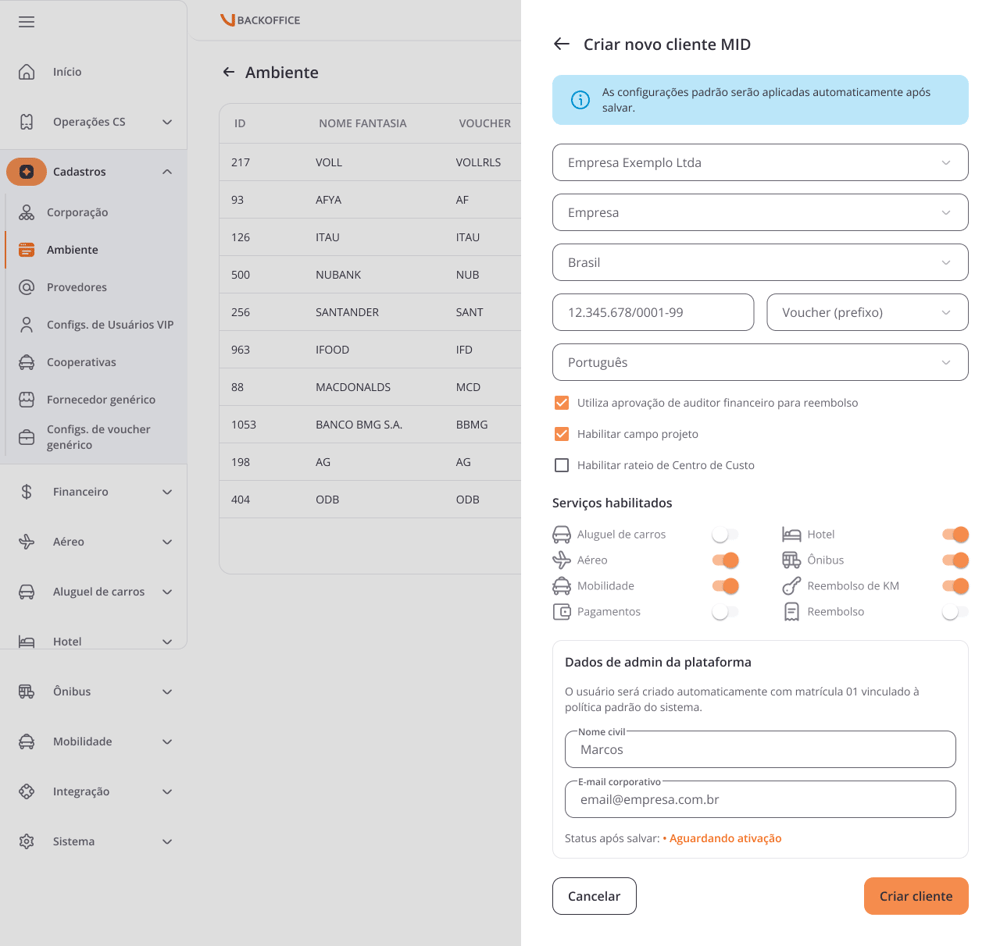
Cost center allocation available when creating the environment
Until now, enabling cost center allocation required accessing a separate screen after creating the environment. From this version on, this setting can be done directly during the creation flow, with no extra steps.
The result is a faster initial setup, with fewer clicks needed to get the environment up and running.
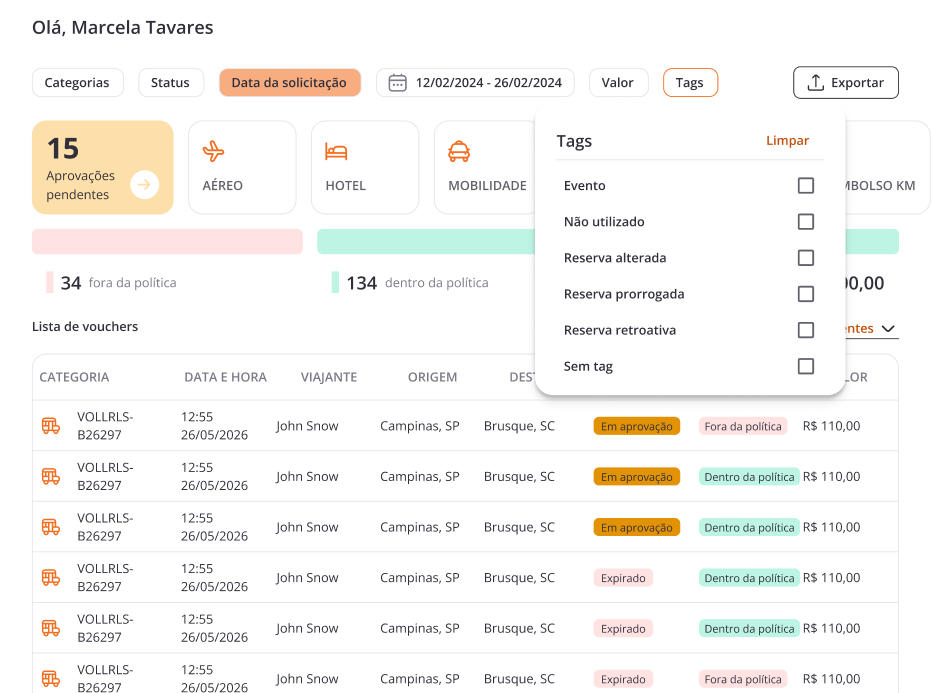
New "No tag" option in the voucher filter
The tag filter on the Admin and Orders screens now has a new option: No tag. With it, you can view only the vouchers that haven't received any tag yet, making it easier to identify pending items and keep orders organized.
Duplicate booking alert on the purchase screen
To prevent accidental bookings, the system now displays a proactive alert on the purchase screen whenever there is already an active voucher for the same traveler, product, and overlapping period.
The alert appears before any confirmation, reducing wasted budget and rework for the support team.
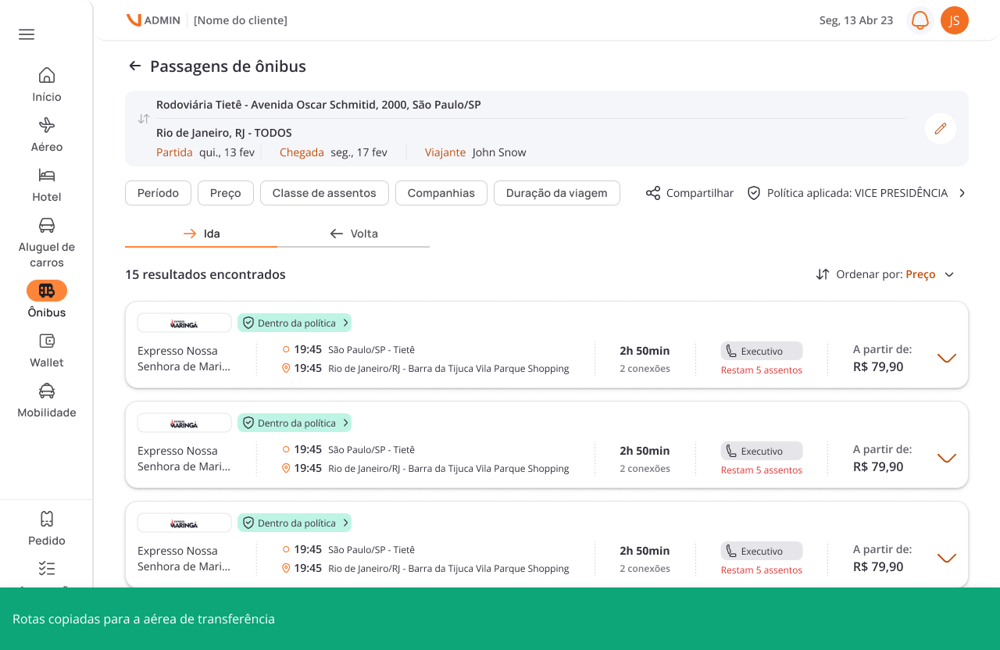
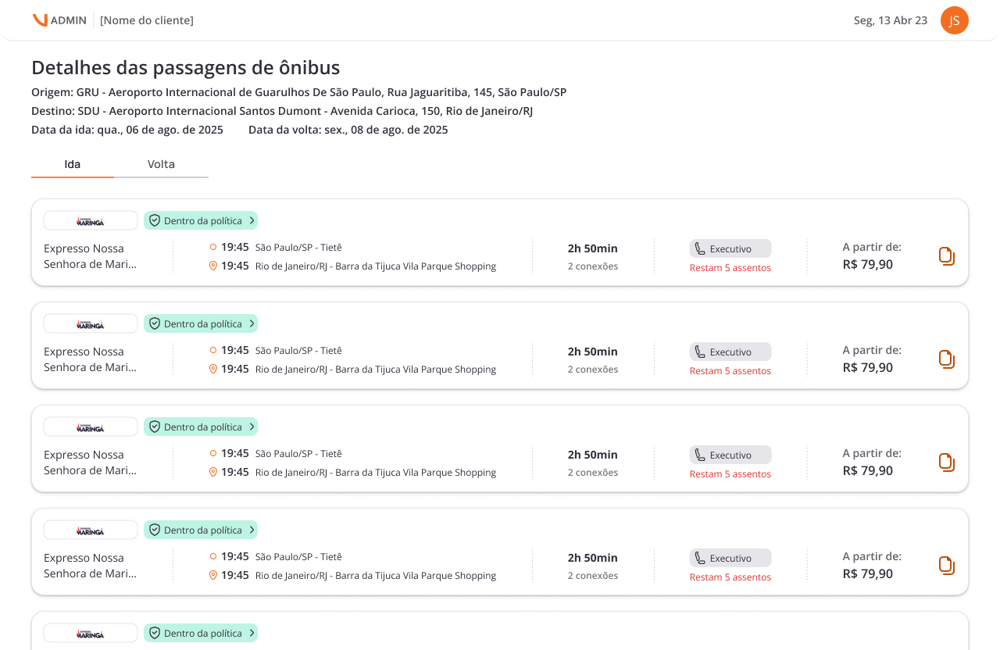
Sharing button in the Bus module
The Bus module now has the sharing button, already available in other products on the platform. With it, you can send schedule and class options directly to the traveler or requester, with all boarding information in a single link.
Fewer back-and-forth messages, less risk of manual error when passing along options.
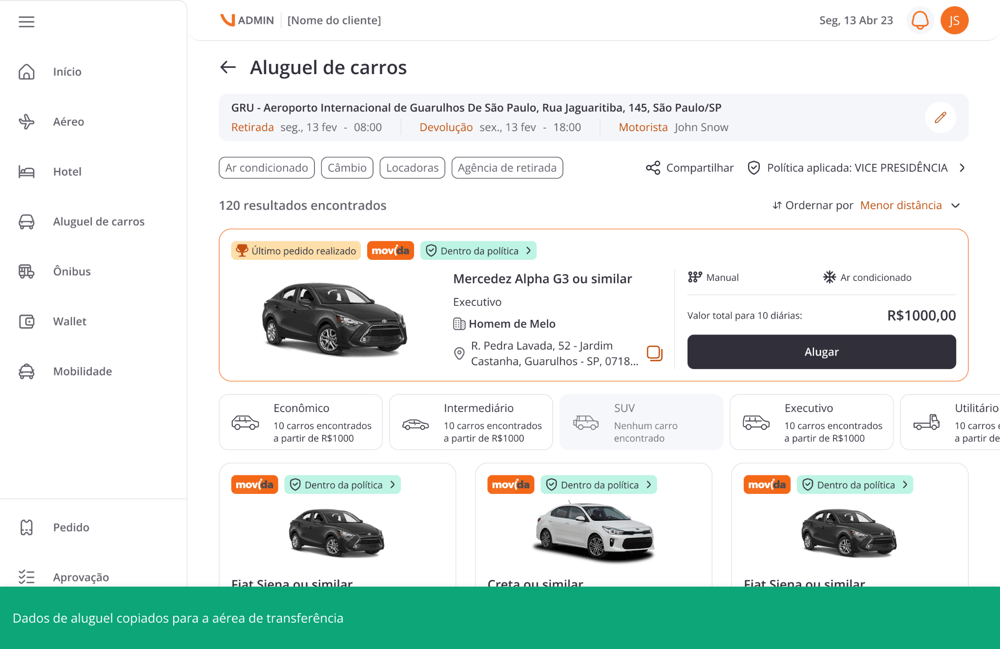
Sharing button in the Rental module
Vehicle rental also gained the results sharing button. You can now send a link with the available options directly to the traveler or approver, without manually copying information or exchanging multiple messages.
Cost splitting when creating a rental voucher
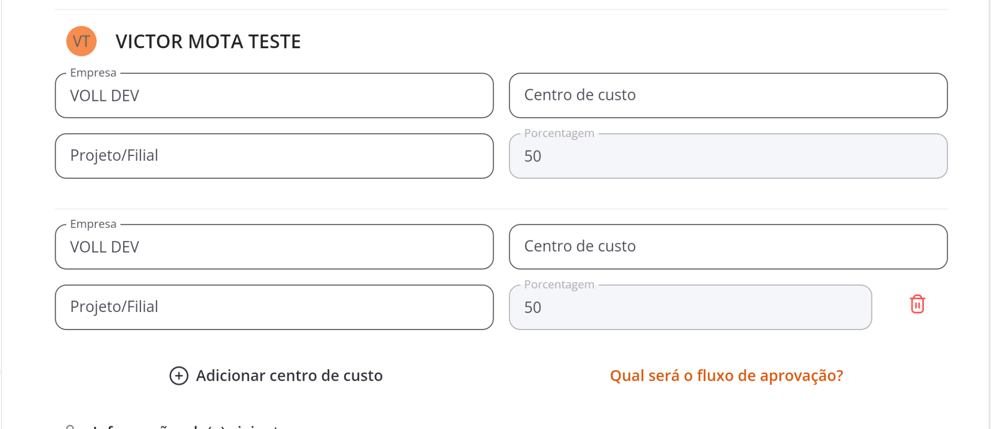
Concierge rental vouchers created through Backoffice now support percentage-based cost splitting. Previously, only a single cost center could be linked, which created manual rework during financial closing.
Now cost splitting is done directly when creating the voucher, with financial closing automated from the start.
Temporary access policy for Smart Mobility
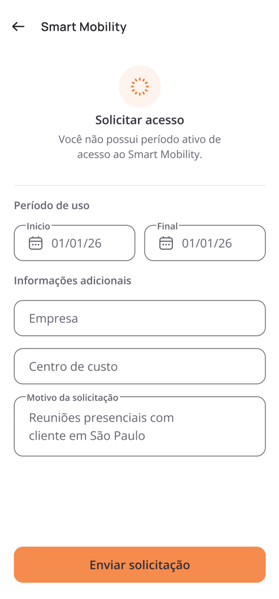
Administrators can now control access to Smart Mobility through a specific policy. When active, users need to request authorization to use the module for a set period. The request goes to the manager for approval, and once approved, access is available only within the authorized timeframe.
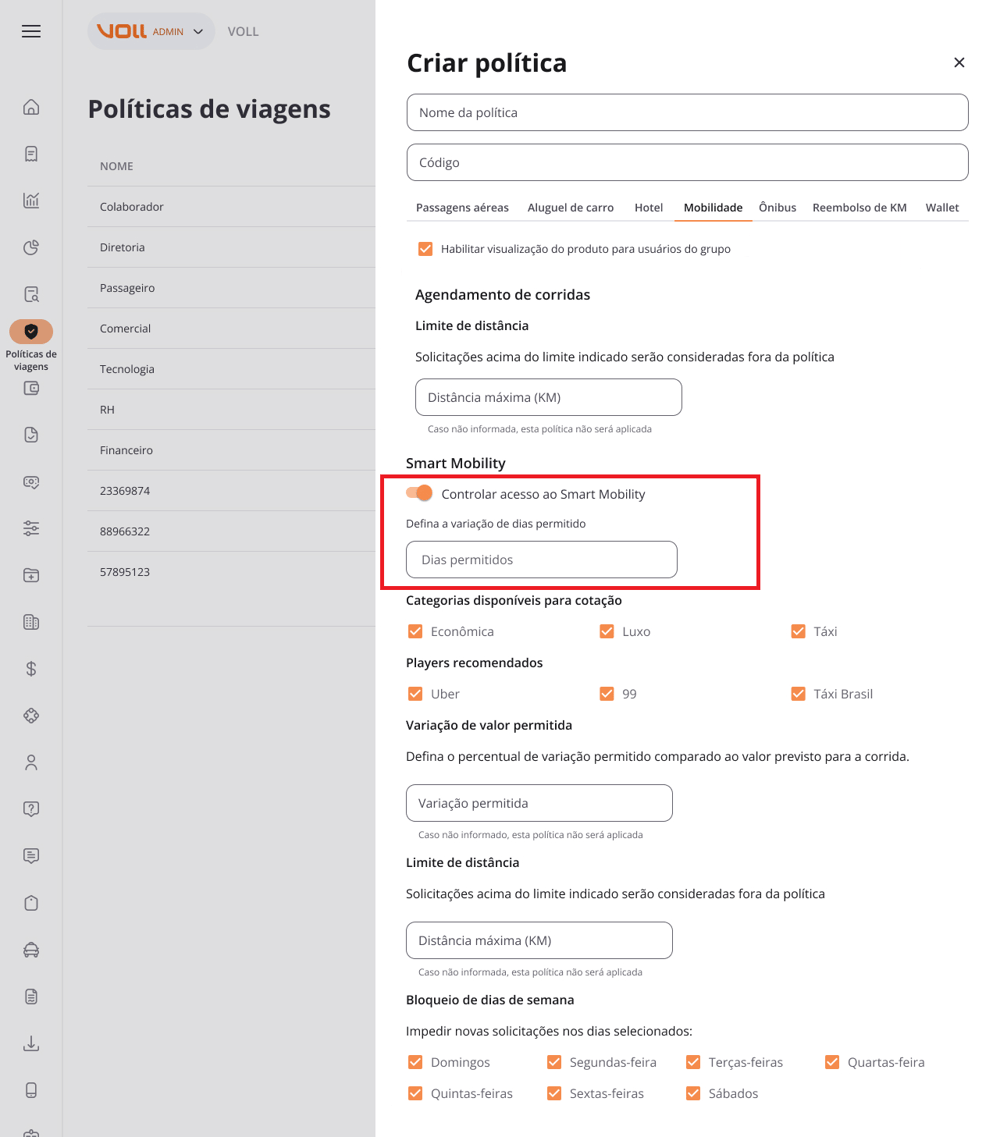
All information related to the request is recorded: approval, usage period, and cost center. More control, traceability, and compliance for managers.
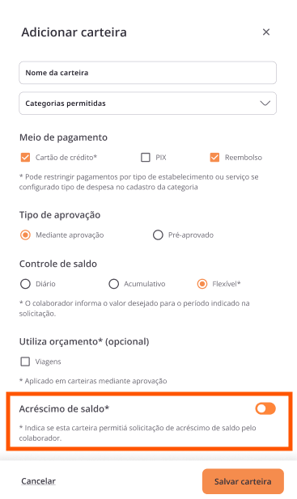
Wallet balance top-up
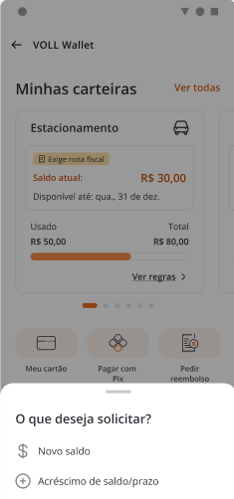
Employees on an ongoing trip can now request an extension of their already approved balance directly through the Wallet, without having to open a new request from scratch. The request can extend the usage period, increase the available amount, or both.
The wallet's original data is kept, and the request follows the same approval flow already in place. For extended trips or exceptional releases, this feature removes the bureaucracy without giving up control.
Why update to 11.5?
From accommodation to financial closing, version 11.5 brings more transparency for travelers, more agility for operators, and more governance for approvers. With proactive alerts, new access controls, and more complete integrations, the platform continues to reduce manual effort and increase reliability at every stage of travel management.